How to Withdraw BISP Payments
The Benazir Income Support Programme (BISP) remains a cornerstone of Pakistan’s social safety system, providing financial support to millions of deserving families. To make payments easier and more transparent, BISP has partnered with major banks like Habib Bank Limited (HBL), allowing beneficiaries to withdraw funds through biometric-enabled ATMs.
This guide explains the complete process step-by-step so you can safely and quickly receive your Kafaalat or Taleemi Wazaif payments.
Official BISP Registration and Eligibility
Before visiting an ATM, it is important to confirm that your BISP status is active.
How to Check Eligibility
- Registration is done through the NSER survey at your nearest BISP Tehsil Office
- You can check your:
- Eligibility status
- Payment balance
- Visit the official 8171 web portal or send your CNIC to 8171 via SMS
Important Tip
Make sure your CNIC is valid and updated with NADRA to avoid verification issues.
Offichal Govt website ; https://8171.bisp.gov.pk/?AspxAutoDetectCookieSupport=1
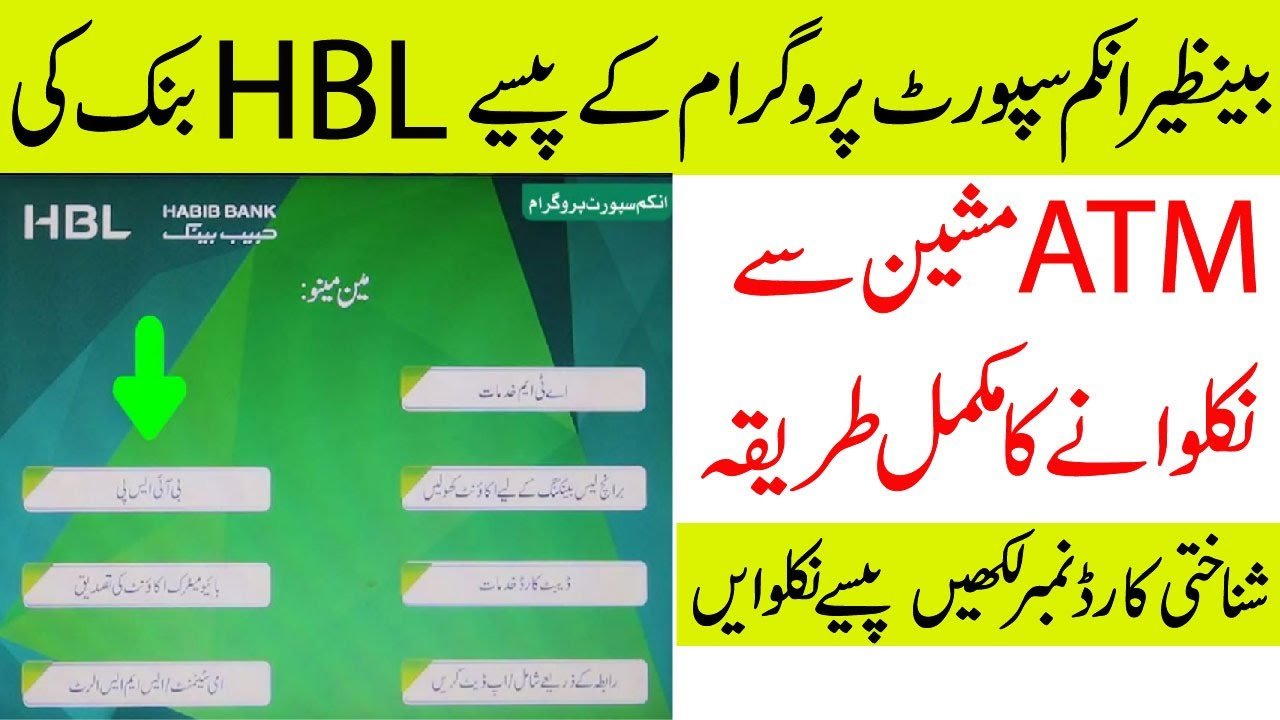
Step-by-Step Guide to Withdraw BISP Payment from HBL ATM
You do not need an ATM card. The process is completely cardless and uses your CNIC and thumb verification.
Step 1: Find an HBL ATM
Locate the nearest HBL ATM with biometric (fingerprint) facility.
Step 2: Start Cardless Transaction
- Press “Biometric” or “Cardless Transaction” on the screen
- Or press the Enter key
Step 3: Select Language
Choose your preferred language:
- English
- Urdu
Step 4: Select BISP Option
- Tap on “BISP” or “Benazir Kafaalat”
Step 5: Enter CNIC Number
- Enter your 13-digit CNIC number carefully
Step 6: Biometric Verification
- Place your thumb (usually right thumb) on the scanner
- Wait for the system to verify your identity
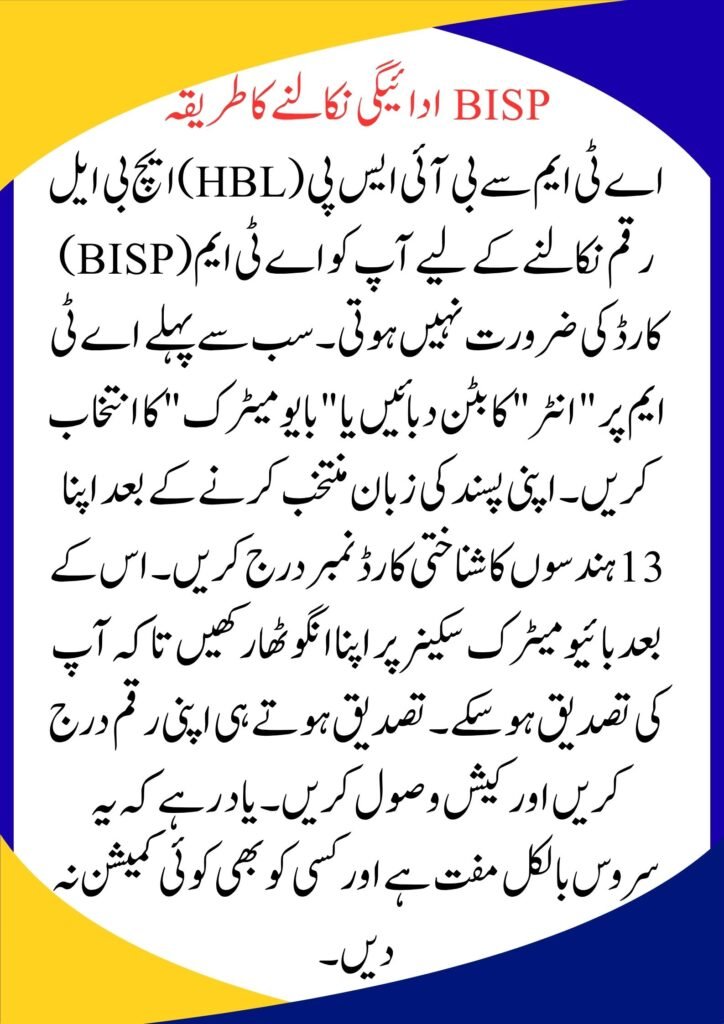
Step 7: Enter Withdrawal Amount
- Your balance will appear on the screen
- Enter the amount (e.g., Rs. 10,500 or Rs. 13,500)
Step 8: Collect Cash & Receipt
- Take your cash
- Don’t forget to collect the printed receipt
Quick Summary Table
| Step | Action | Pro Tip |
|---|---|---|
| Check | Enter CNIC | Ensure CNIC is valid |
| Biometric | Thumb verification | Clean thumb & scanner |
| Confirmation | Withdraw amount | Always keep receipt |
Common Issues and Solutions
Biometric Verification Failed
- Try cleaning your thumb and scanner
- Use another finger if allowed
- If it fails 3 times:
- Visit NADRA to update fingerprints
- Or go to a BISP partner bank branch
CNIC Not Recognized
- Make sure your CNIC is valid and not expired
- Re-check eligibility via 8171
Final Tips for Safe Withdrawal
- Never share your CNIC number with strangers
- Do not pay any agent or middleman
- Always collect your receipt
- Call the helpline if you face any issue
Frequently Asked Questions (FAQs)
Q1: Is there any fee for withdrawing BISP payment from HBL ATM?
No. This service is completely free.
If anyone asks for a fee or commission, report immediately to the BISP helpline: 0800-26477.
Q2: What if my fingerprint does not match?
If biometric verification fails repeatedly:
- Visit a NADRA office for fingerprint update
- Or use a designated BISP payment center
Q3: Can I withdraw money from another bank’s ATM?
Currently, BISP payments are limited to partner banks such as:
- Habib Bank Limited (HBL)
- Bank Alfalah
You must use the ATM of the bank assigned to your district.