BISP Biometric Verification Errors
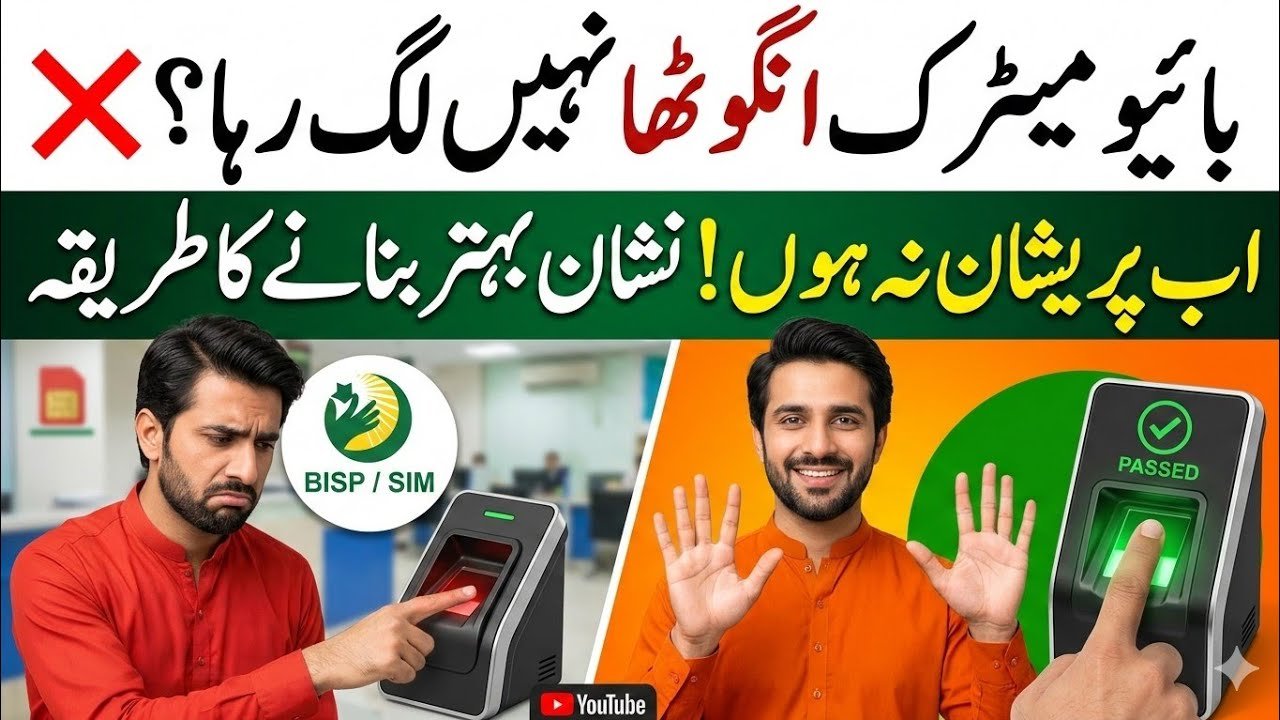
The Benazir Income Support Programme (BISP) is a vital safety net supporting millions of families across Pakistan. However, many beneficiaries face biometric verification issues when collecting payments from partner banks like Habib Bank Limited (HBL) and Bank Alfalah (BAFL).
These problems usually occur due to aging, worn-out fingerprints from manual labor, or mismatched records between National Database and Registration Authority (NADRA) and BISP databases. The good news is that there are clear solutions to ensure eligible beneficiaries receive their payments without hassle.
Why Biometric Verification Fails
Biometric systems rely on fingerprint patterns to verify identity. In many cases, especially for elderly individuals or laborers, fingerprints become faint over time, making recognition difficult.
Common Causes
- Faded fingerprints due to age or manual work
- Technical issues with POS machines
- Database mismatch between NADRA and BISP
- Outdated CNIC records
A “Verification Failed” message can appear due to any of these issues.
Step-by-Step Solutions to Fix Biometric Issues
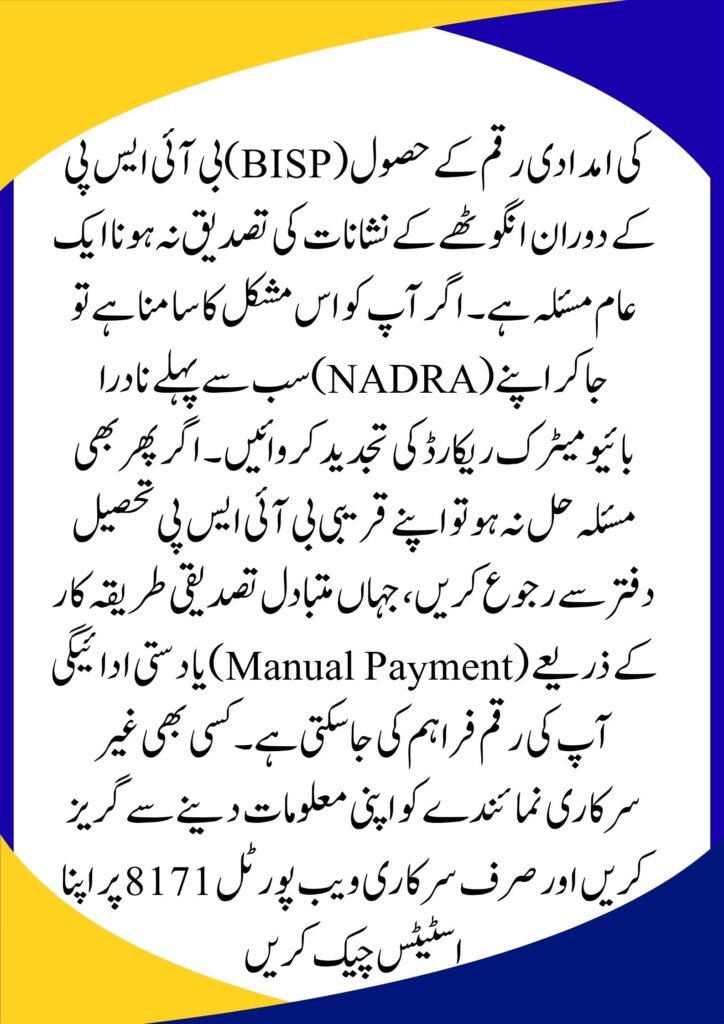
1. Update Your Biometrics at NADRA
The first and most important step is visiting your nearest NADRA center.
What to Do:
- Go to a NADRA Sahulat Center or Mega Center
- Request a Fingerprint Update or Verification Modification
- Ensure your CNIC details are accurate and updated
Updating your biometric data improves recognition in BISP payment systems.
2. Visit the BISP Tehsil Office
If the issue persists even after updating your biometrics, the next step is visiting your local BISP Tehsil Office.
Offichal govt website ; https://8171.bisp.gov.pk/?AspxAutoDetectCookieSupport=1
Available Solutions:
- System Bypass Facility for genuine beneficiaries
- Identity verification through alternative documents
- Manual Payment Process initiation if biometrics permanently fail
This ensures no deserving person is denied financial support.
3. Check Status on the 8171 Web Portal
Before visiting any center, always verify your eligibility and payment status online through the official portal.
Benefits:
- Saves time and unnecessary travel
- Confirms your eligibility
- Ensures your record is up-to-date
Verification Troubleshooting: Quick Guide
| Problem | Likely Cause | Recommended Solution |
|---|---|---|
| Fingerprint not recognized | Worn-out or faded fingerprints | Visit NADRA for biometric update |
| System timeout | Slow internet or heavy load | Try again early morning or at another POS |
| Record not found | Invalid or outdated record | Visit BISP Tehsil Office with CNIC |
Final Thoughts
Biometric verification issues can be frustrating, but they are solvable. By updating your records with NADRA and coordinating with your local BISP office, you can ensure uninterrupted access to your financial assistance.
If the problem continues, don’t ignore it follow the proper channels and claim your rightful support.
Frequently Asked Questions (FAQs)
Q1: How many times can I try biometric verification?
Usually, the system allows 3 to 5 attempts. After that, the transaction may be temporarily blocked. It’s better to seek manual assistance instead of repeated attempts.
Q2: Is there a fee for biometric updates at NADRA?
Standard CNIC updates may have fees, but BISP-related verification issues are often handled free or at designated counters. Always carry:
- Original CNIC
- Registered SIM card
Q3: Can someone else collect my BISP payment?
No. To prevent fraud, BISP requires the actual beneficiary to be present for biometric or manual verification.